How to stop doomscrolling
Updated:
You stop doomscrolling by making the scroll harder to start, not by trying harder to resist it. Move the phone out of reach at the moments you slip, put friction in front of the apps that pull you in, and give your hands something else to do. Willpower alone loses to an app built to keep you watching.
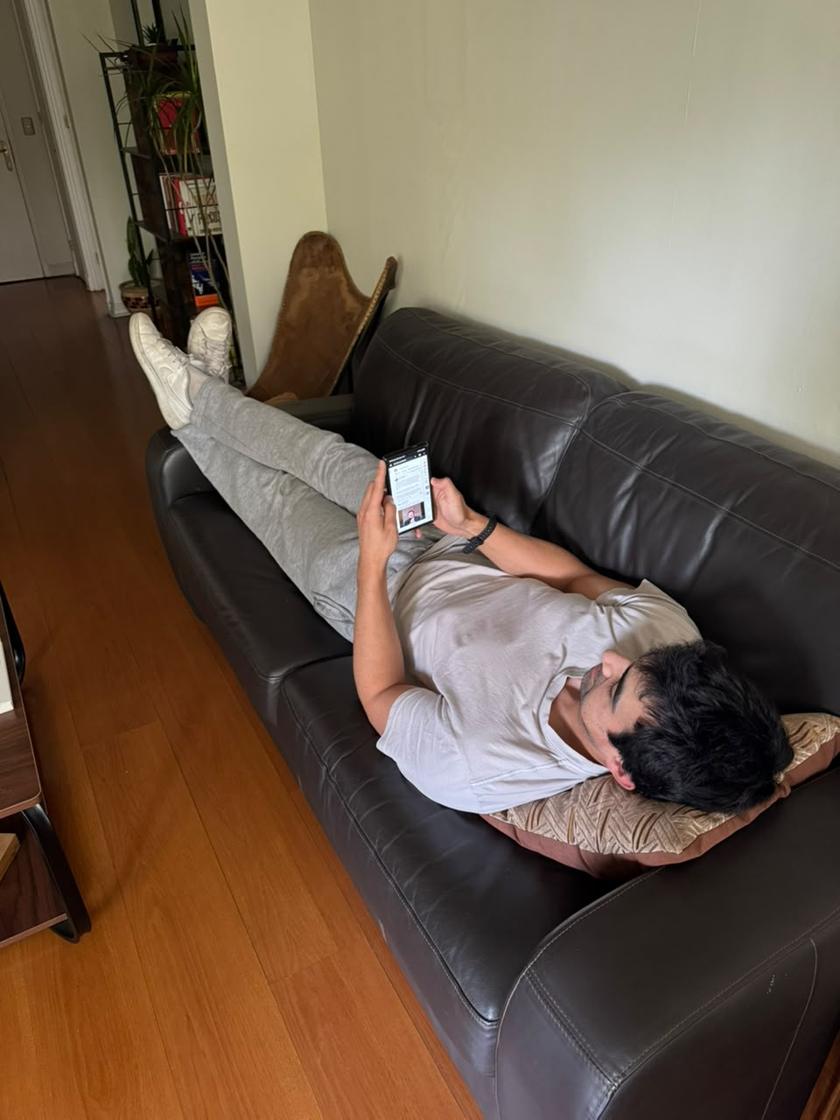
Why doomscrolling is so hard to stop
Doomscrolling is scrolling past the point of enjoying it. You keep going because the next post might be the good one, and the feed never ends, so there is no natural place to stop.
It is mostly a habit, not a choice. A cue (boredom, a pause, lying in bed) triggers the reach for the phone before you have decided anything. That is why deciding to stop rarely works on its own: by the time you notice, you are already ten minutes in.
So the things that work change the situation around the habit. They add a pause between the impulse and the scroll, or they remove the cue entirely. We wrote more about this in You Are the Notification.
8 things that work
- Charge the phone outside the bedroom. Night is when most doomscrolling happens. A cheap alarm clock removes the excuse to keep the phone by the bed.
- Set a hard end to the day. Pick a time (say 10 PM) after which social apps are off limits, and let a schedule enforce it instead of your tired self.
- Turn on grayscale. A gray screen is less rewarding to look at. On iPhone it is under Accessibility, Display and Text Size, Color Filters. On Android it is usually in Digital Wellbeing's Bedtime mode or under Accessibility.
- Log out of the worst app, or move it off the home screen. Every extra tap is a moment to change your mind.
- Turn off notifications from feeds. A notification is an invitation to scroll. Keep the ones from people, drop the ones from apps.
- Use app limits with a real wall. A daily allowance (for example 45 minutes for all social apps) works better than a total ban you will break by lunch.
- Replace the habit, don't just remove it. Keep a book, a podcast or a short read where you usually scroll. The urge needs somewhere to go.
- Notice the trigger, not just the scroll. Is it boredom, a work task you are avoiding, loneliness at night? Naming it makes the next reach easier to catch.
How to stop scrolling at night
Night scrolling is the hardest kind because you are tired and the phone is right there. The best fix is physical: the phone charges in another room, or at least across the room.
If the phone has to stay close, schedule a block on the apps you lose time in, starting an hour before you want to sleep. On iPhone, Screen Time Downtime does this. On Android, Digital Wellbeing's Bedtime mode can turn the screen gray and silence the phone. Both are easy to skip, which is where an app blocker helps.
Where the built-in tools fall short
Screen Time and Digital Wellbeing are free and already on your phone, so start there. Their weak spot is the moment the limit hits. iPhone offers an Ignore Limit button, and most people learn to tap it without reading. On Android, removing an app timer takes a few taps in Settings.
A limit that is one tap away from being ignored is a reminder, not a wall. That is fine for some people. If you keep tapping through, you need more friction at that exact moment.
How Paradox helps you stop doomscrolling
Paradox is a free app blocker for iPhone and Android. You choose the apps that pull you in (TikTok, Instagram, YouTube or any other) and set when they are blocked: working hours, evenings, or a daily allowance like 45 minutes.
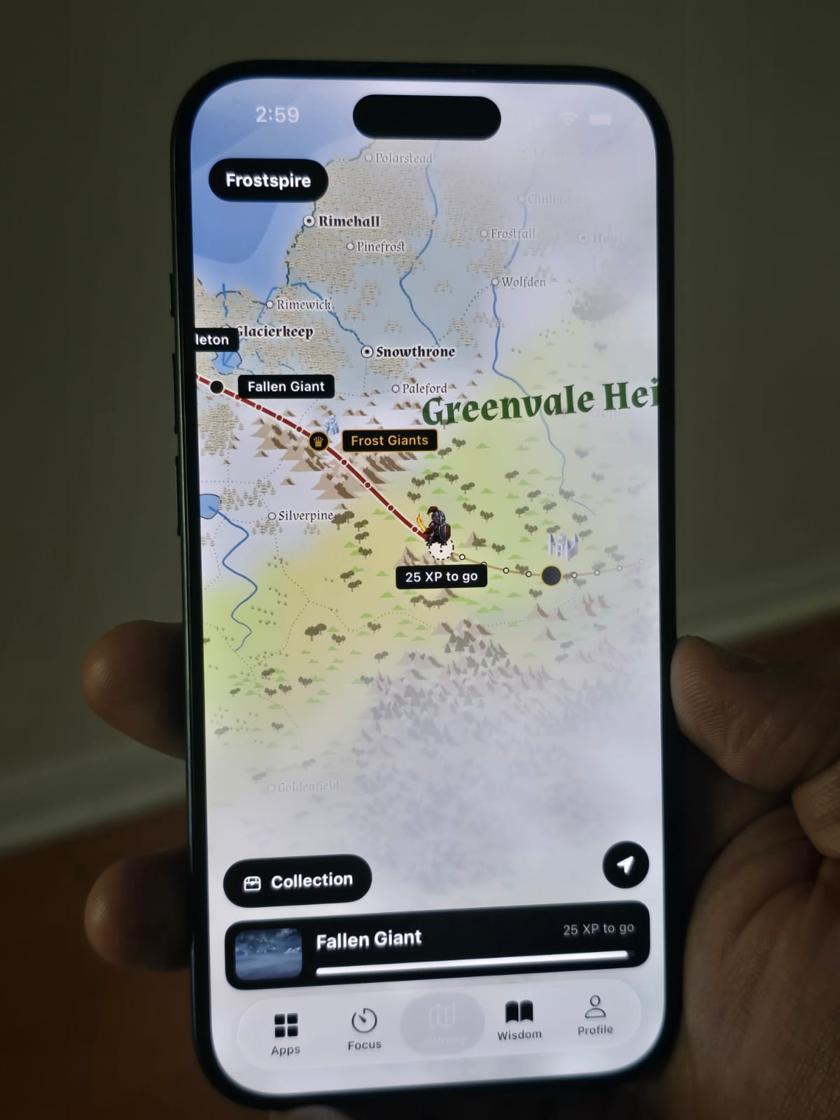
When you open a blocked app, a pixel-art guardian stands in front of it. You can wait, win a short pause, or tap Read something instead for a two-minute read. You can still switch a block off on purpose, but you have to mean it.
The less you scroll, the more XP you earn. Your guardian travels a map, you level up, and you collect new guardians. It turns not scrolling into something you are winning at, instead of something you are failing at. Blocking is free forever and there are no ads. The idea behind it is in Every Room Has an Exit and The Power of Limits.
Common questions
Why can't I stop doomscrolling?
Because it is a habit triggered by cues like boredom or lying in bed, and feeds are designed to have no stopping point. Changing the situation (phone out of reach, apps behind a block) works better than relying on willpower.
How do I stop doomscrolling at night?
Charge your phone outside the bedroom if you can. If not, schedule a block on your social apps starting an hour before bed, with Screen Time Downtime, Digital Wellbeing's Bedtime mode, or an app blocker like Paradox.
Does grayscale really help?
It helps some people. A gray screen makes feeds less rewarding to look at, so the pull is weaker. It works best combined with a block or a time limit.
Is there a free app to stop doomscrolling?
Yes. Paradox is a free app blocker for iPhone and Android with no ads. It blocks the apps you choose on a schedule or with a daily allowance, and rewards you with XP for scrolling less.